

AI App Builders vs No-Code: What Founders Are Switching To in 2026

Introduction
The landscape of software development is shifting—again. Not so long ago, visual no-code platforms like Bubble, Adalo, and Glide revolutionized how non-developers built apps, letting founders drag-and-drop their way to MVPs. But in 2026, another wave is rising: AI app builders that generate production-ready code and full apps from a simple idea or prompt.
Why is this happening? Founders want to move even faster and spend less time wrangling with visual interfaces. They want to describe, not design; to iterate, not configure; to launch, not labor. This is where AI-first tools come into play, transforming natural language into working software—often in minutes.
At DC Codes, we’ve seen this trend firsthand. That’s why we built GetAppQuick, an AI-powered app builder that bridges the gap between idea and execution, empowering founders to build robust apps without a large dev team or cumbersome no-code workflows.
In this post, we’ll unpack why founders are switching from visual no-code platforms to AI-first app generation, explore practical examples, and help you decide what’s right for your next project.
The No-Code Revolution: What It Promised
Visual no-code platforms have been a game-changer for non-technical founders. By assembling logic, UI components, and databases visually, these tools made app building accessible. Instead of hiring a team, one person could create a SaaS MVP or internal tool in days.
Key reasons founders loved no-code:
- Speed: Drag-and-drop UIs cut prototyping time dramatically.
- Accessibility: No need to know code syntax or architecture.
- Lower cost: No expensive developer salaries for prototyping.
But as apps grew more complex, some cracks began to show. Scaling, customization, and flexibility became pain points. Many founders found themselves “hitting the ceiling” of what visual no-code could do.
The New Wave: AI App Builders Explained
AI app builders take a fundamentally different approach. Instead of dragging blocks onto a canvas, founders describe their desired app in plain English (or Vietnamese, or other languages). The AI interprets the request, generates production-quality code, and assembles the application—often using popular frameworks like Flutter, React, or even full-stack templates.
What makes AI app builders stand out:
- Idea-to-app in minutes, not days
- Real code generation (not just hidden, proprietary logic)
- Easier to iterate: Just update your prompt or requirements
- Customization via code, if needed
- Lower learning curve for non-technical founders
This new paradigm dramatically accelerates the feedback loop—a founder can refine features, UIs, or business logic simply by conversing with the AI.
From Drag-and-Drop to Describe-and-Deploy
Let’s compare the workflows:
Visual No-Code Example
Suppose you want a task manager app with user authentication and a Kanban board.
In a visual no-code tool, you would:
- Drag UI components (lists, cards, buttons) onto the canvas.
- Configure data bindings for tasks and users.
- Set up logic flows for CRUD operations.
- Connect authentication blocks.
- Style everything with visual options.
While this is faster than traditional coding, complexity grows with each new feature. Debugging “why doesn’t this button work?” can be a bottleneck.
AI App Builder Example
With GetAppQuick, you could start by describing your idea:
“Build me a task management app with Kanban boards, Google sign-in, and the ability to assign tasks to team members. Deploy it for mobile and web.”
The AI does the heavy lifting:
- Generates data models and authentication logic
- Creates UI screens and navigation
- Integrates APIs if specified
- Produces ready-to-run Flutter or React code
- Allows you to preview, edit, or download the source
You can then refine your prompt, e.g., “Add due dates and email notifications for overdue tasks.” The AI updates the app in seconds.

Real-World Use Case: MVP in Hours, Not Weeks
Meet Linh, a fintech founder in Ho Chi Minh City, who wants to test a new peer-to-peer lending concept. Traditionally, Linh would need to:
- Hire a full-stack developer
- Spend weeks on specs, wireframes, iterations
- Burn through $10k+ before launch
With an AI app builder like GetAppQuick, Linh can:
- Describe her app: “I need a P2P lending platform where users can create loan requests, fund loans, and see transaction history.”
- Instantly get a working prototype—with real Flutter code—for iOS, Android, and the web.
- Test with actual users, gather feedback, and iterate by updating her prompt.
Here’s a simplified Dart/Flutter snippet the AI might generate for a loan request form:
class LoanRequestForm extends StatefulWidget {
  @override
  _LoanRequestFormState createState() => _LoanRequestFormState();
}

class _LoanRequestFormState extends State<LoanRequestForm> {
  final _formKey = GlobalKey<FormState>();
  final _amountController = TextEditingController();

  void _submit() {
    if (_formKey.currentState!.validate()) {
      // Call API or update database
      print('Loan request: \$${_amountController.text}');
    }
  }

  @override
  Widget build(BuildContext context) {
    return Form(
      key: _formKey,
      child: Column(
        children: [
          TextFormField(
            controller: _amountController,
            decoration: InputDecoration(labelText: 'Amount'),
            keyboardType: TextInputType.number,
            validator: (value) =>
                value!.isEmpty ? 'Enter an amount' : null,
          ),
          ElevatedButton(
            onPressed: _submit,
            child: Text('Request Loan'),
          ),
        ],
      ),
    );
  }
}
Linh didn’t have to write a line of this—she just described her needs, and the AI did the rest.
Why Are Founders Making the Switch?
1. Speed and Agility
AI app builders can generate full-featured, multi-platform apps in minutes. Founders get results immediately and can iterate on feedback without waiting for dev cycles.
2. Fewer Skill Barriers
No need to learn the quirks of a visual builder. Just describe what you want. This is especially powerful in fast-moving markets like Southeast Asia, where execution speed is everything.
3. Better Customization
Because AI builders often generate real code, you can hand off the project to developers for advanced features or deeper integrations—no lock-in to a proprietary ecosystem.
4. More Natural Collaboration
Describing features in plain language bridges the gap between business, design, and engineering teams. Everyone stays on the same page.
Practical Example: Adding a Custom Feature
Suppose you want to add 2FA (two-factor authentication) to your user login. In a visual no-code builder, you might have to hunt for the right plugin or build a convoluted workflow.
With GetAppQuick:
- Update your prompt: “Add two-factor authentication using SMS code.”
- The AI updates the codebase and UI, integrating with a service like Twilio.
Here’s what the AI-generated TypeScript (React) login logic might look like:
// After password validation
async function handle2FA(userId: string) {
  const code = generateRandomCode();
  await sendSmsCode(userId, code);
  // Render prompt for user to enter code
}

// ... In the UI component
<input
  type="text"
  placeholder="Enter SMS code"
  value={smsCode}
  onChange={e => setSmsCode(e.target.value)}
/>
<button onClick={verifyCode}>Verify</button>
No need to wire up dozens of blocks or figure out plugin compatibility—the AI does it all.
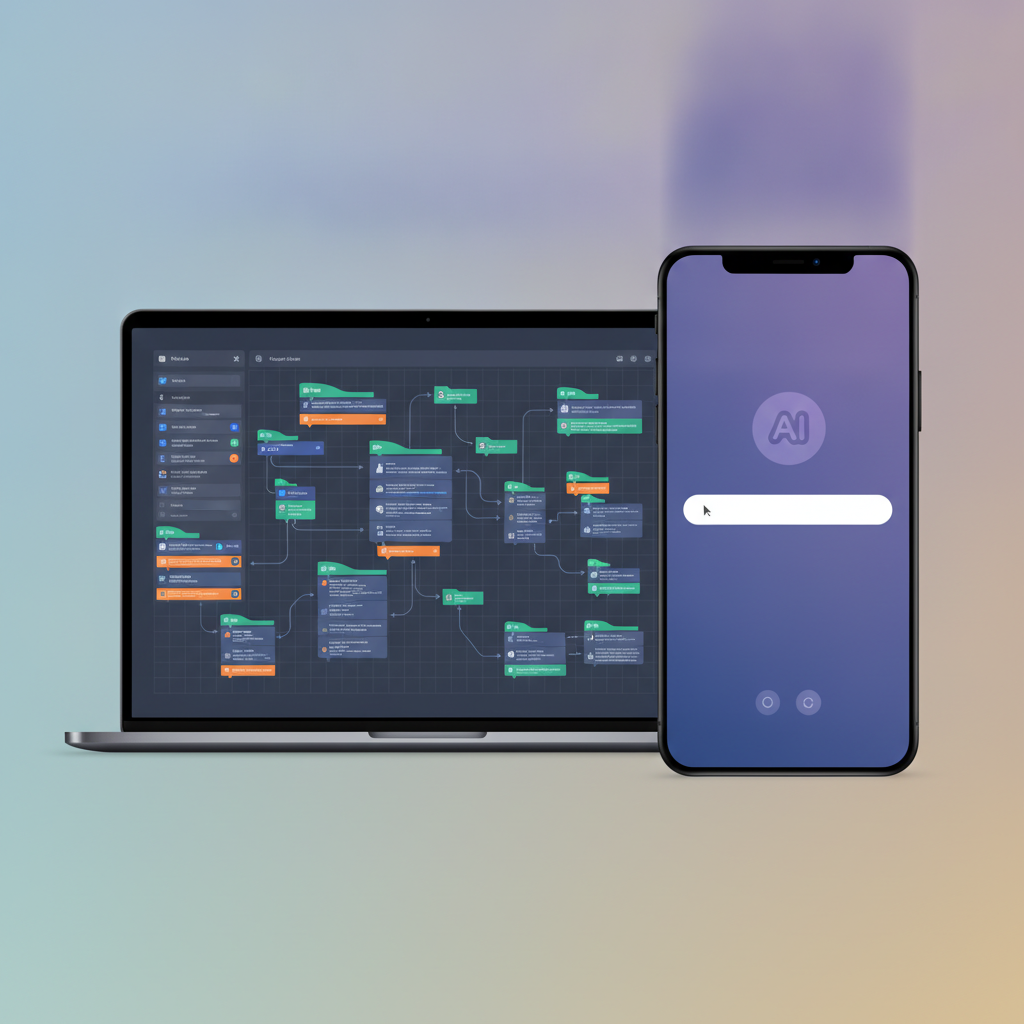
When to Use No-Code vs. AI App Builders
- No-Code Visual Builders are still excellent for ultra-simple apps, internal tools, or when you need pixel-perfect visual control.
- AI App Builders shine when you want to go from idea to production fast, need scalability, or plan to hand off the project to developers later.
If you’re in a highly regulated industry, need custom security, or want advanced integrations, AI-first platforms that generate real code (like GetAppQuick) offer a clear advantage.
Key Takeaways
- AI app builders are rapidly overtaking visual no-code tools as the fastest way for founders to turn ideas into real apps.
- Natural language prompts replace drag-and-drop interfaces, making app creation more intuitive and adaptable.
- Real code generation means better scalability and hand-off for advanced features—no vendor lock-in.
- Tools like GetAppQuick let founders build, iterate, and launch without a large dev team.
- The future is “describe and deploy”—and it’s already here.
Conclusion
As the tools evolve, so does the definition of a “builder.” In 2026, founders are moving beyond visual no-code and embracing the ease and power of AI-first app generation. Describe your vision, get a real app, and iterate in record time—no compromises, no ceilings. If you’re ready to leap from idea to launch, GetAppQuick is your launchpad.
Ready to ship your idea? Build it in minutes with GetAppQuick.


