

The Demo Was Magic. Then Real Users, Payments, and Permissions Showed Up

The Demo Was Magic. Then Real Users, Payments, and Permissions Showed Up
If you hang around the r/nocode or indie hacker communities, you’ll notice a recurring story: someone shares a dazzling video demo of an AI-built app, everyone’s impressed, and then... crickets. A week later, the same builder posts about integration headaches, edge-case bugs, and how things break when real users start clicking around.
It’s become a meme for a reason: building a demo is magic, but shipping a real product that handles real users, payments, permissions, and all the gnarly details is where things get hard.
At DC Codes, we’ve seen this evolution firsthand—across startups, client projects, and our own internal tooling. And it’s exactly why we built GetAppQuick, our AI-powered builder that bridges the gap from proof-of-concept to polished product, so teams can focus on what matters most.
In this piece, we’ll break down the journey from “magical demo” to “real app,” highlight what often goes wrong, and share practical advice (with code!) for surviving the transition. Whether you’re using code, no-code, or something in between, you’ll learn what separates a quick prototype from an app that scales.
The Demo: Where Anything Feels Possible
Launching a demo is exhilarating. Thanks to modern AI app builders (like GetAppQuick), you can go from idea to interactive UI in minutes, often without writing a single line of code. Need a todo app, booking form, or inventory dashboard? Type your requirements, tweak a few forms, and you’re ready to wow your stakeholders or investors.
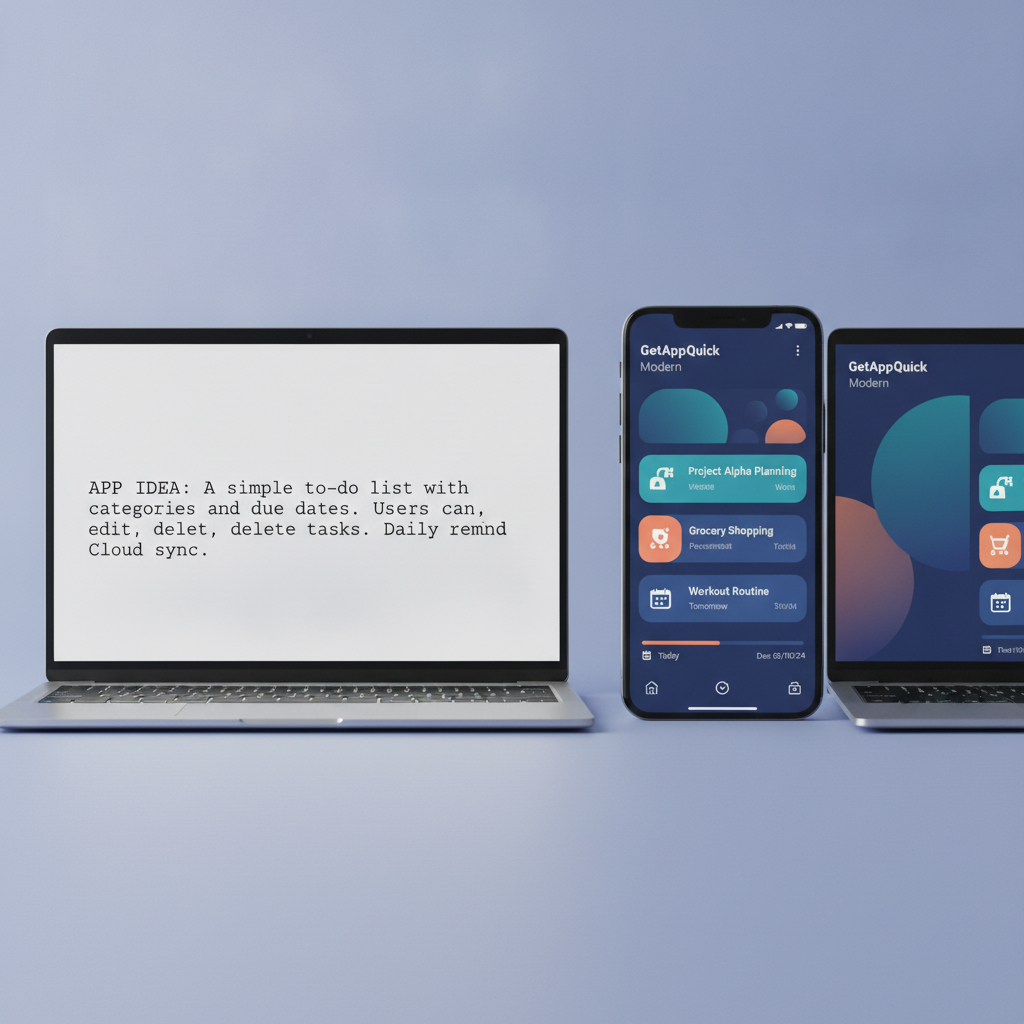
This is the “honeymoon phase” of product development:
- Every feature “just works”
- There’s only one user: you
- Edge cases are unknown or ignored
- No real data, permissions, or payments to trip you up
But as soon as you open the doors to friends, beta testers, or—dare we say—paying customers, things get real.
The Wall: Real Users, Real Problems
The moment real users show up, your app enters a new universe of complexity. Here’s what typically surfaces:
1. Permissions & Roles Get Tricky
In the demo, there’s usually one user with admin powers—no issues. But in production, there are admins, editors, viewers, customers, maybe even third-party contractors. Each needs a different slice of access.
Common pain points:
- Users see data they shouldn’t
- “Edit” and “delete” buttons appear for everyone
- Data leaks or unauthorized actions happen
Flutter/Dart Example: Role-Based Access
Let’s make this concrete with a Flutter app snippet:
enum UserRole { admin, viewer, editor }

class User {
  final String id;
  final UserRole role;
  User(this.id, this.role);
}

Widget buildActions(User user) {
  if (user.role == UserRole.admin) {
    return Row(
      children: [
        IconButton(icon: Icon(Icons.edit), onPressed: () {/*...*/}),
        IconButton(icon: Icon(Icons.delete), onPressed: () {/*...*/}),
      ],
    );
  } else if (user.role == UserRole.editor) {
    return IconButton(icon: Icon(Icons.edit), onPressed: () {/*...*/});
  } else {
    return SizedBox.shrink(); // No actions
  }
}
Tip: Never trust the client! Always enforce permissions on the server too.
2. Payments: The “Happy Path” Meets Reality
In a demo, payment is a checkbox—“let’s just integrate Stripe.” But live payments mean:
- Handling failures, refunds, and chargebacks
- Verifying payment status before granting access
- Securing user data (PCI compliance is no joke)
A robust product doesn’t just collect money—it manages the full lifecycle.
TypeScript Example: Payment Webhook Handling
Suppose you’re using Node.js to react to payment events:
import express from 'express';

const app = express();
app.use(express.json());

app.post('/webhook', (req, res) => {
  const event = req.body;

  if (event.type === 'payment_successful') {
    // Grant access
    // e.g., updateUserSubscription(event.data.userId, 'active');
  } else if (event.type === 'payment_failed') {
    // Notify user, restrict features
  }
  res.status(200).send('Webhook received');
});
Tip: Always verify webhook signatures and never trust client-sent payment status.
3. Maintenance & Edge Cases: The Demo Didn’t Cover This
Your demo never had to handle:
- Users uploading 2GB files
- Slow network connections
- Conflicting edits from two devices
- Accidental deletes and data recovery
These edge cases become common in production.
What can help?
- Automated tests (integration/unit/e2e)
- Clear error handling (not just “something went wrong”)
- Monitoring and logging
4. Integrations & Data Sync
In the demo, maybe you faked external data. In production, real systems rarely cooperate: APIs change, data formats shift, and you must keep everything in sync without losing or duplicating data.
Strategy:
- Use background jobs/queues for sync (never block the user UI)
- Validate all external data before acting on it
From Demo to Durable: What It Actually Takes
Let’s break down the changes required to survive the leap from demo to real product.
A. Data Modeling With Room to Grow
Early prototypes can get away with flat, “good enough” data structures. Later, you’ll wish you’d planned for relationships, constraints, and migrations.
Flutter Example: Using Hive for Flexible Local Storage
@HiveType(typeId: 1)
class Project extends HiveObject {
  @HiveField(0)
  String name;
  @HiveField(1)
  List<Task> tasks;
  // Ready to associate tasks with projects, users, etc.
}
Tip: Design for growth. If you’re using GetAppQuick, you get flexible schema management out of the box—so you can start simple and evolve.
B. Authentication Done Right
Auth is so easy to gloss over in a demo. In production, there’s:
- Social sign-in
- Email verification
- Password resets
- Multi-factor authentication (MFA)
And you’d better store passwords securely (hint: never as plain text).
TypeScript Example: Password Hashing
import bcrypt from 'bcrypt';

async function hashPassword(password: string) {
  const saltRounds = 10;
  return await bcrypt.hash(password, saltRounds);
}
Tip: Use a proven auth service unless you really know what you’re doing.
C. Handling Scale: From 1 User to 10,000
Demo reality: 1 user, 10 records
Production: 10,000+ users, millions of records
Strategies for scale:
- Paginate all lists and tables
- Use indexes in your database
- Cache expensive queries
Bonus: With GetAppQuick, pagination and efficient queries are handled for you, so you can focus on features, not plumbing.
Case Study: Scaling a No-Code Inventory App
Let’s walk through a practical example. Imagine you’ve built an inventory tracker using GetAppQuick. It auto-generates CRUD screens, data models, and user roles—so your demo is impressive and functional.
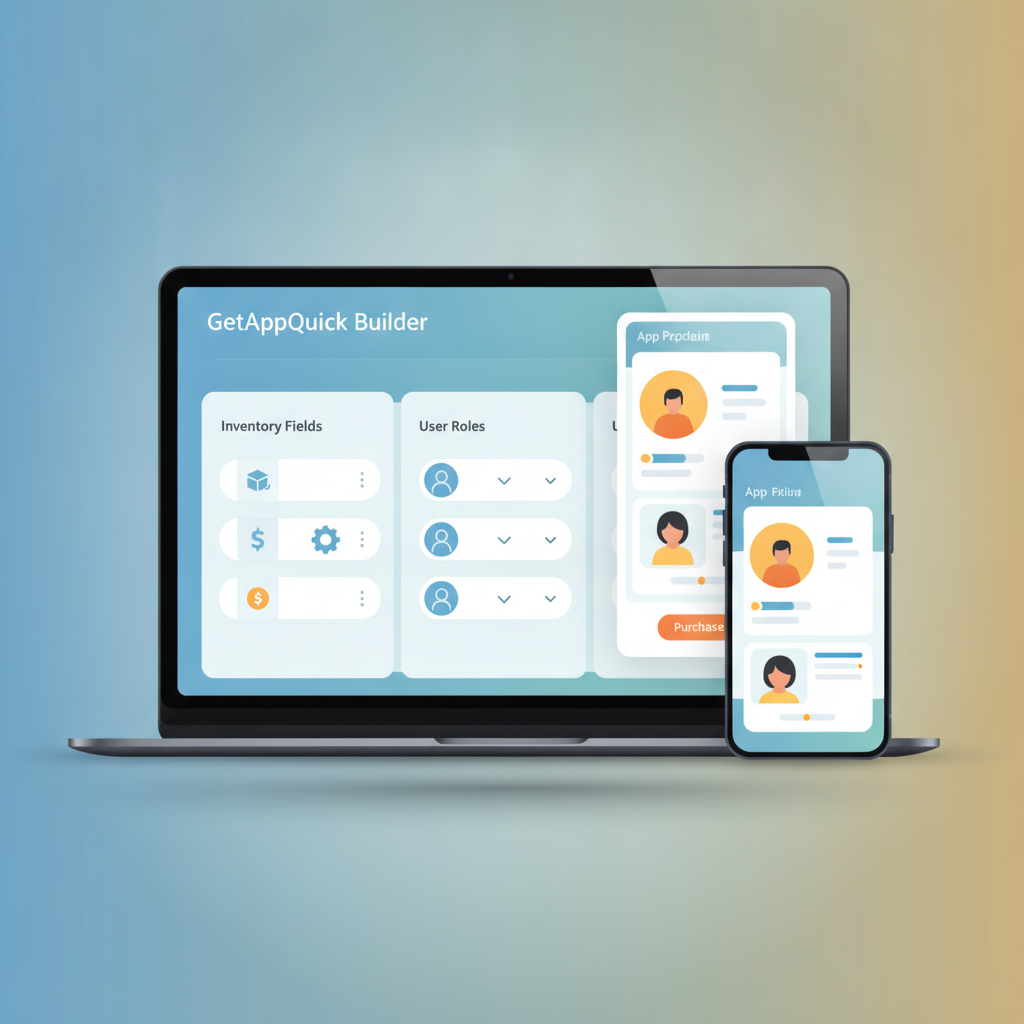
But as your business grows:
- You need to add auditing for every stock change
- Different warehouses require restricted access for different managers
- Finance wants exportable reports, but only for verified users
How GetAppQuick helps:
- Add a “change log” table and tie it to inventory edits without touching code
- Define new user roles and permissions via point-and-click, not custom scripts
- Enable CSV export only for finance role, enforced both in UI and backend
But even with a great builder, you’ll need to think through your data relationships and test for those real-world edge cases—so you’re ready for whatever your users throw at you.
The Maintenance Mindset
Even after launch, things keep changing:
- Regulations (GDPR, PCI, accessibility)
- OS/browser updates
- User feedback driving new features
Best practices:
- Invest in automated tests (integration and end-to-end)
- Regularly review error logs and user complaints
- Build a habit of small, incremental releases—don’t wait for “big bang” launches
Key Takeaways
- Demos are easy. Real apps are hard. Edge cases, permissions, and payments always reveal hidden complexity.
- Plan for real data, real users, and real failures. Think about scale, security, and integrations from day one.
- Use modern AI builders like GetAppQuick to save time and handle boilerplate, but don’t ignore the fundamentals—good architecture and testing are still essential.
- Always enforce permissions and payments on the backend. Never trust the client!
- Maintenance never ends. Invest in monitoring, automated tests, and a process for regular improvements.
Conclusion
Building a magical demo is just the start. The real challenge—and opportunity—is turning that spark into a robust, scalable product people actually pay for and trust with their data. Whether you choose code, no-code, or a hybrid approach, the fundamentals are the same: anticipate complexity, automate where you can, and never stop improving.
If you’re looking to accelerate your journey from idea to robust product, GetAppQuick takes care of the groundwork—so you can focus on features, not fire drills.
Ready to ship your idea? Build it in minutes with GetAppQuick.


